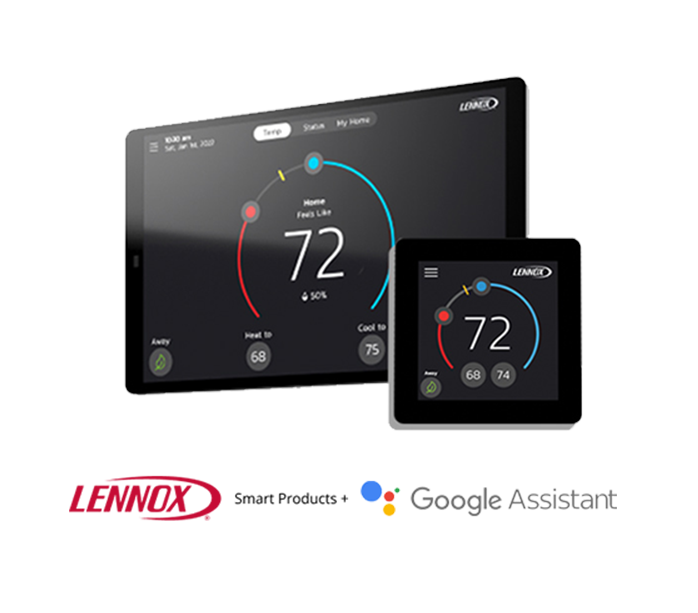
Lennox + Google Assistant
Connect Your Thermostat to Google
Use Google Assistant to get more out of your Lennox thermostat. With simple voice commands, you can check temperatures, adjust settings, and switch modes hands-free. Learn how to connect your Lennox Smart Thermostat to Google Assistant |
Your Home Comfort Command Center
Just a few quick steps to get your Lennox Smart Thermostat integrated with Google Assistant.

Set up smart home devices
If you haven't already registered your Lennox S40 Smart Thermostat.
Connect your Lennox S40 Smart Thermostat to your Google Home device
Set up smart home devices
If you haven't already registered your Lennox S40 Smart Thermostat.
Connect your Lennox S40 Smart Thermostat to your Google Home device
Open your mobile device, open the Google Home app.
Click on the + button in the top lefthand corner.
Select "Set up device" option.
Select "Works with Google".
Type and select "Lennox iComfort".
Follow steps to complete setup.
Google Assistant Commands
To adjust the temperature
"Make it warmer/cooler"
"Rise/lower temp 2 degrees"
"Set the temperature to 72"
To switch heating or cooling modes
"Turn on the heat/cooling"
"Set the thermostat to heating/cooling"
"Turn thermostat to heat/cool mode"
FAQs
Find answers to common questions about your thermostat from setup and Wi-Fi connection to troubleshooting and energy-saving tips.